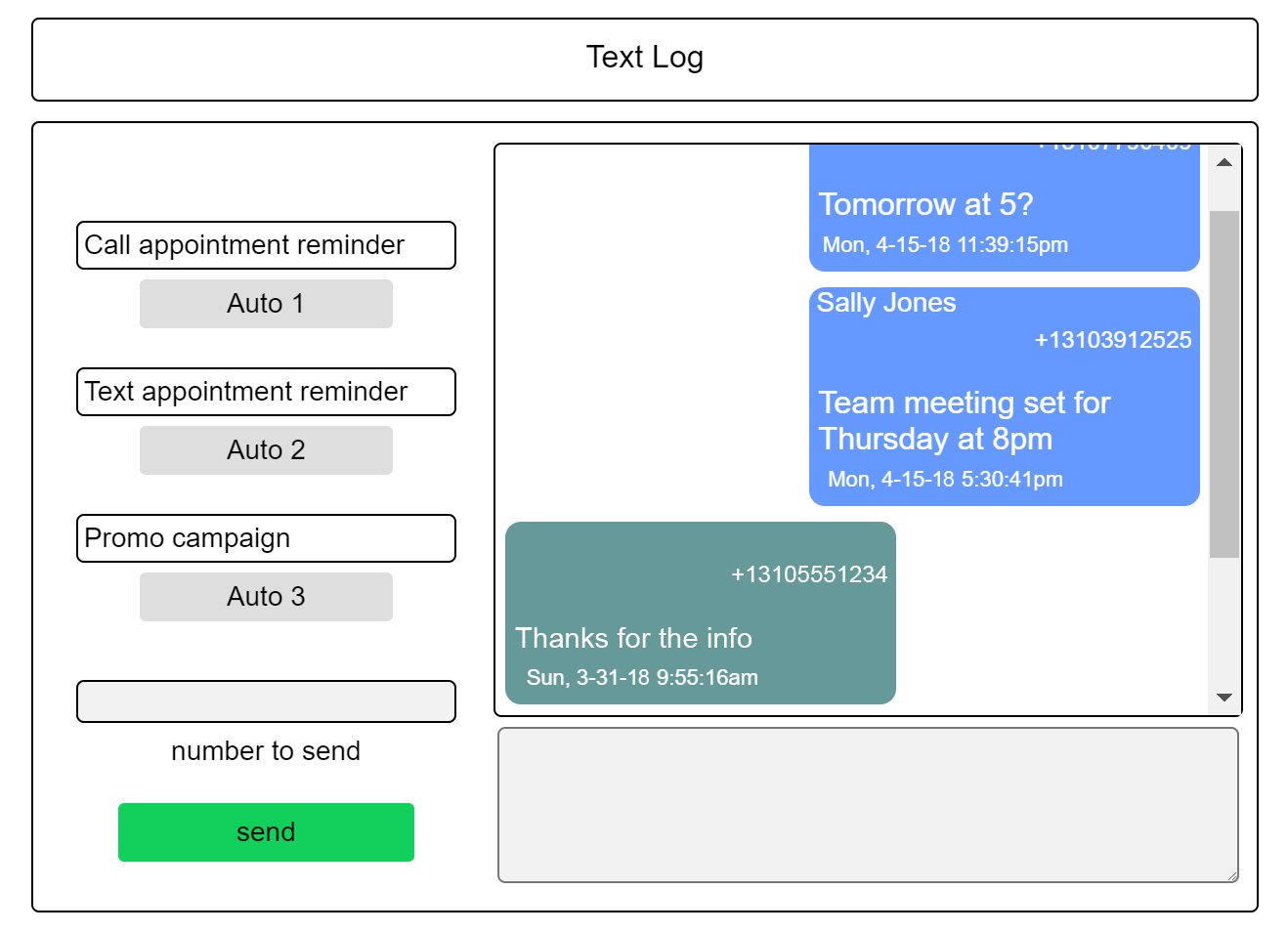
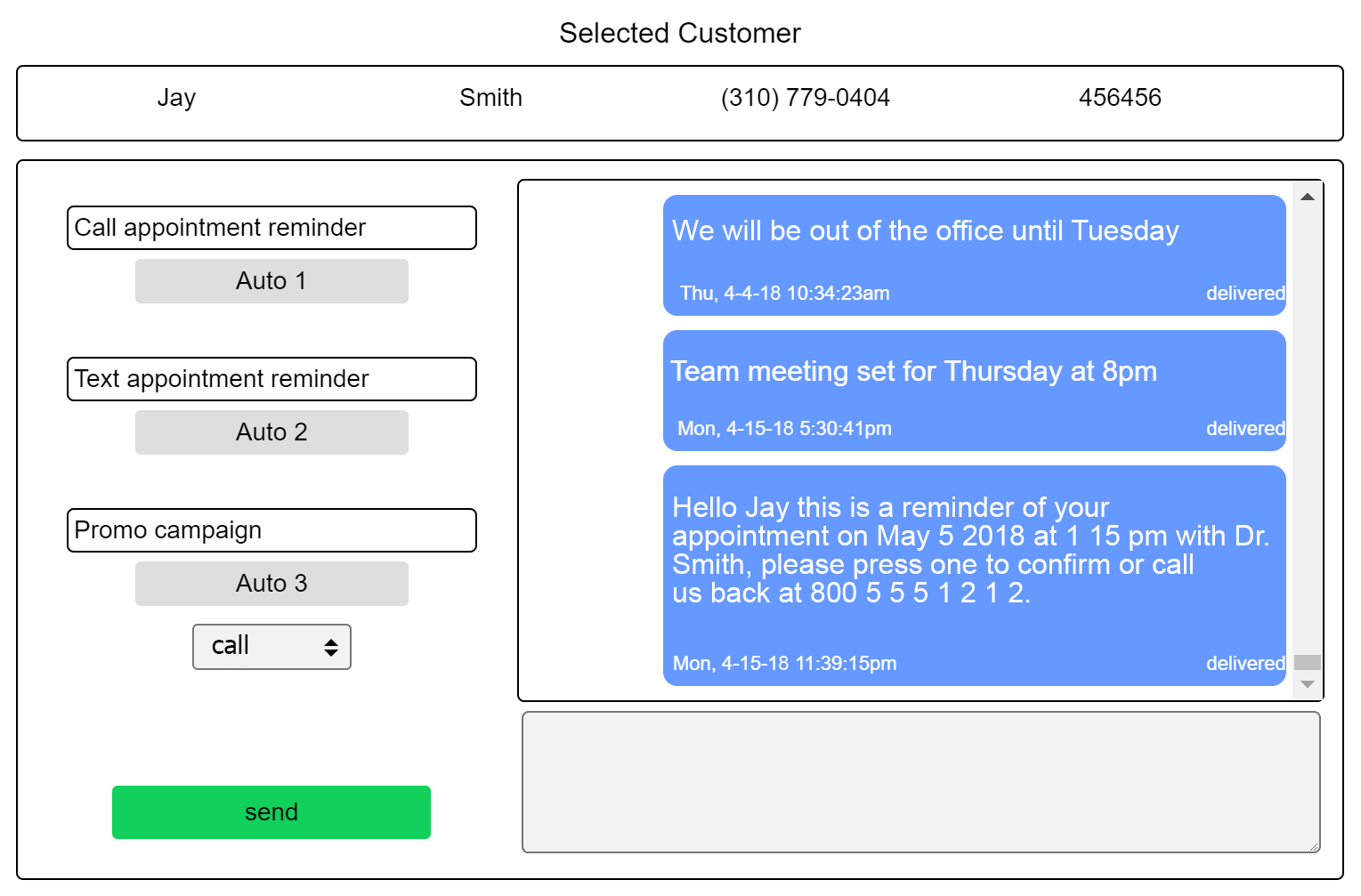
Text customers or team members back & forth individually
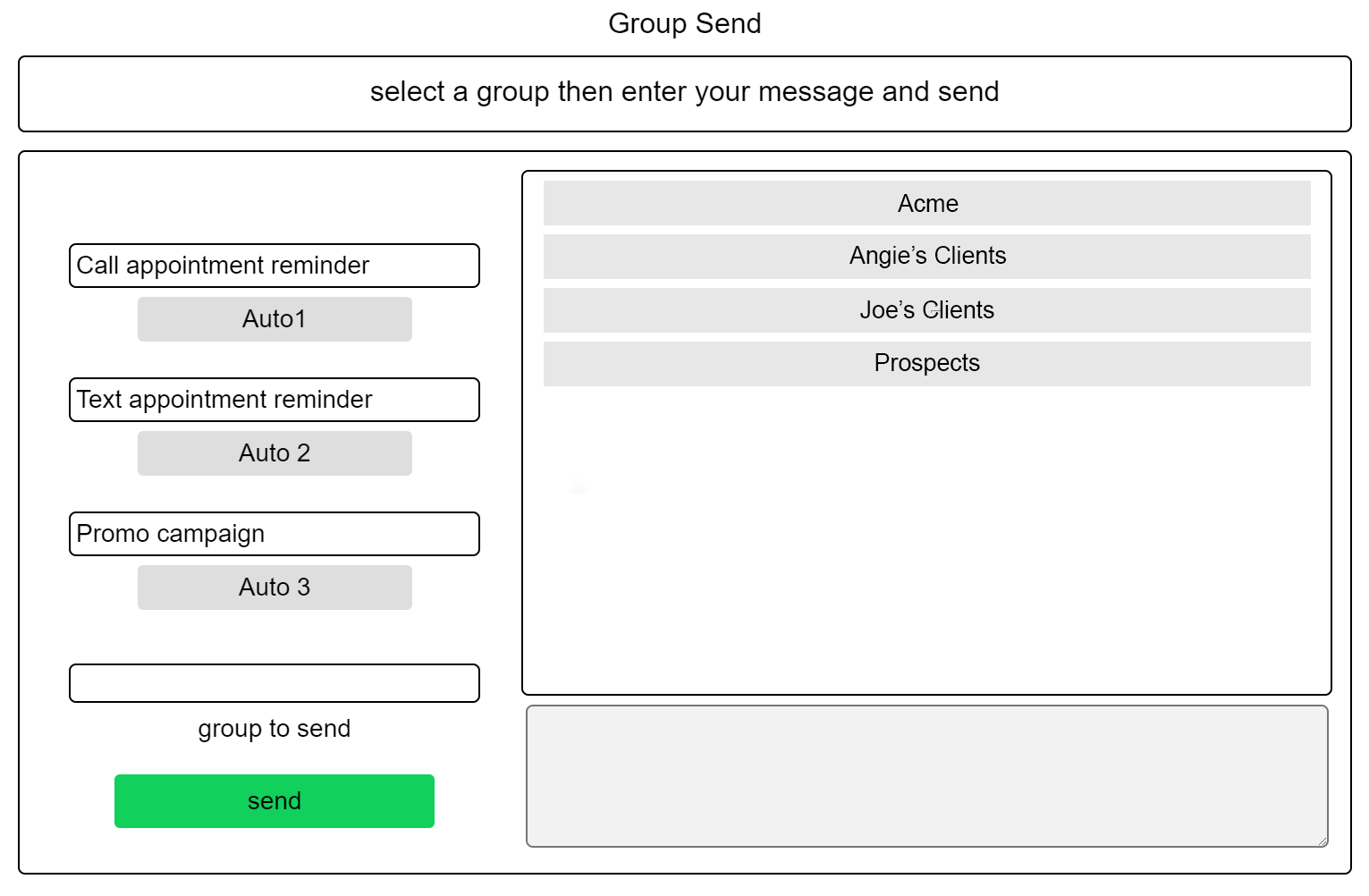
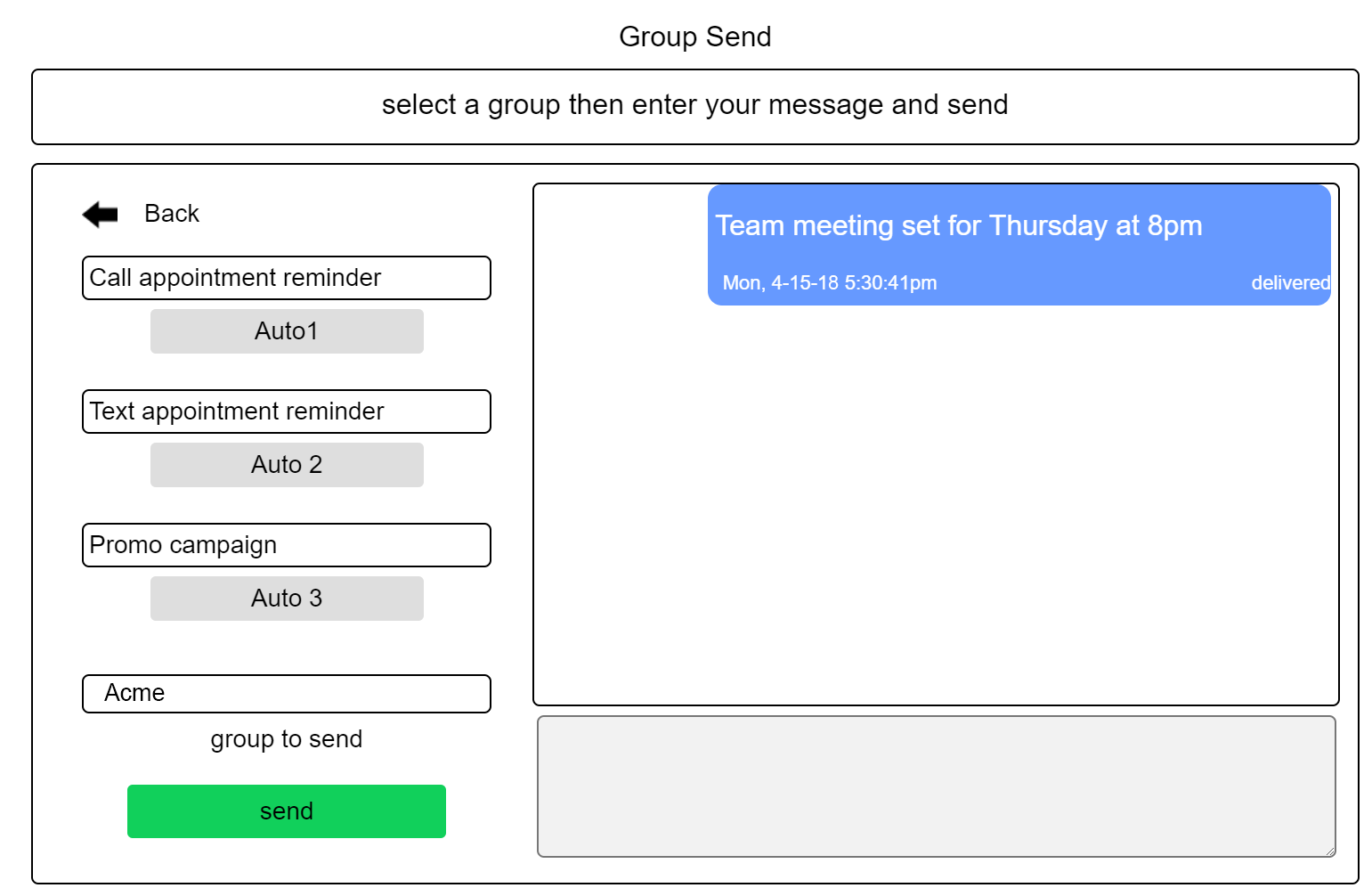
Text customers or team members as groups
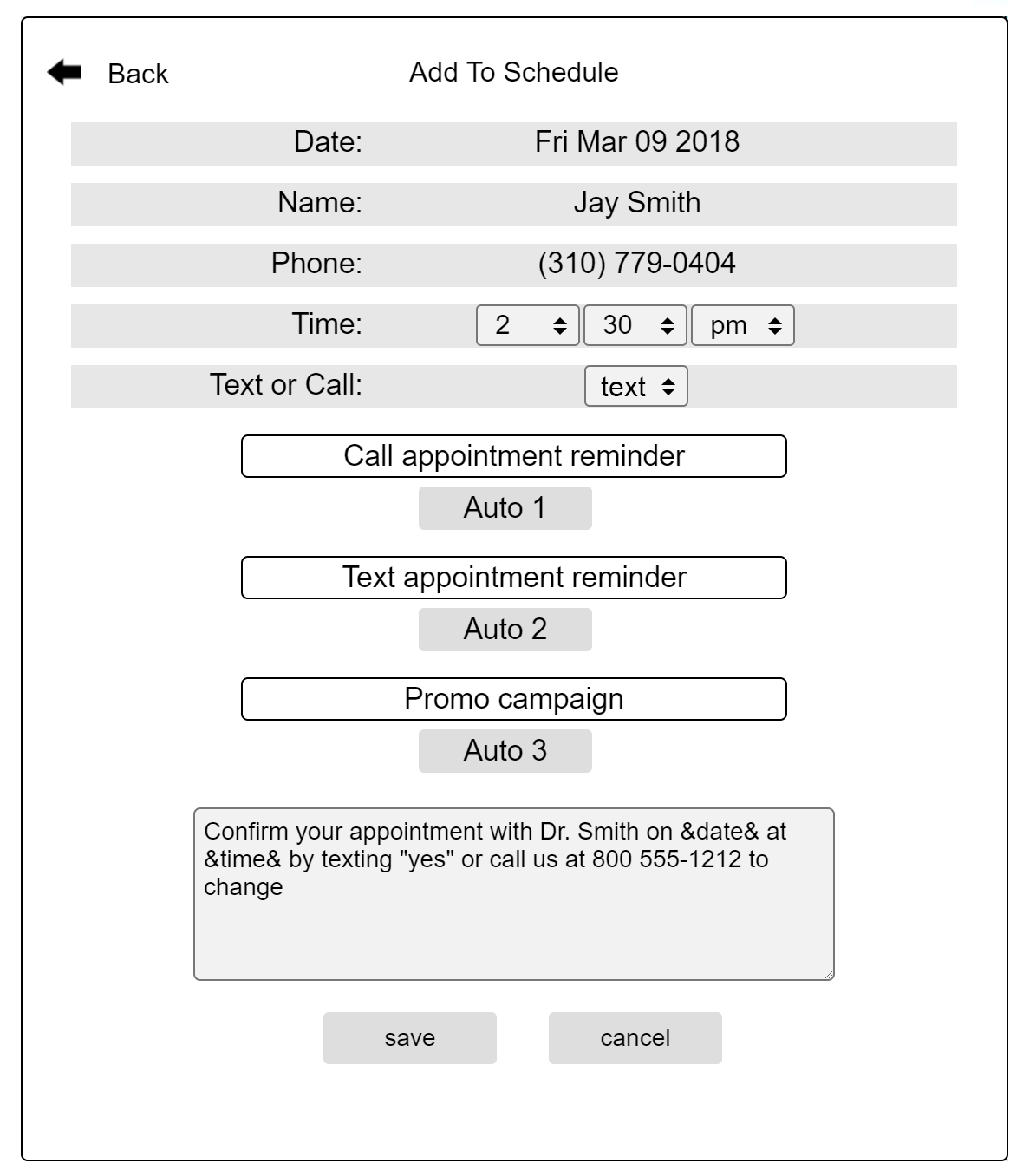
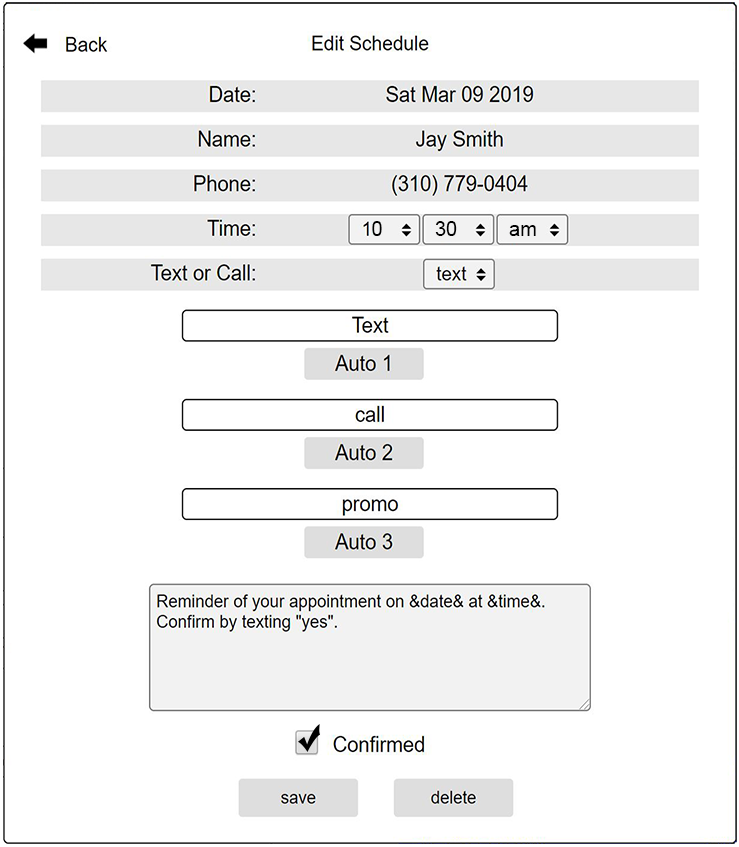
Schedule appointments and text a reminder
Call customers or team members individually and give updates or announcements
Call customers or team members as a group, a sort of call blast
Call to give a reminder of a Scheduled appointment
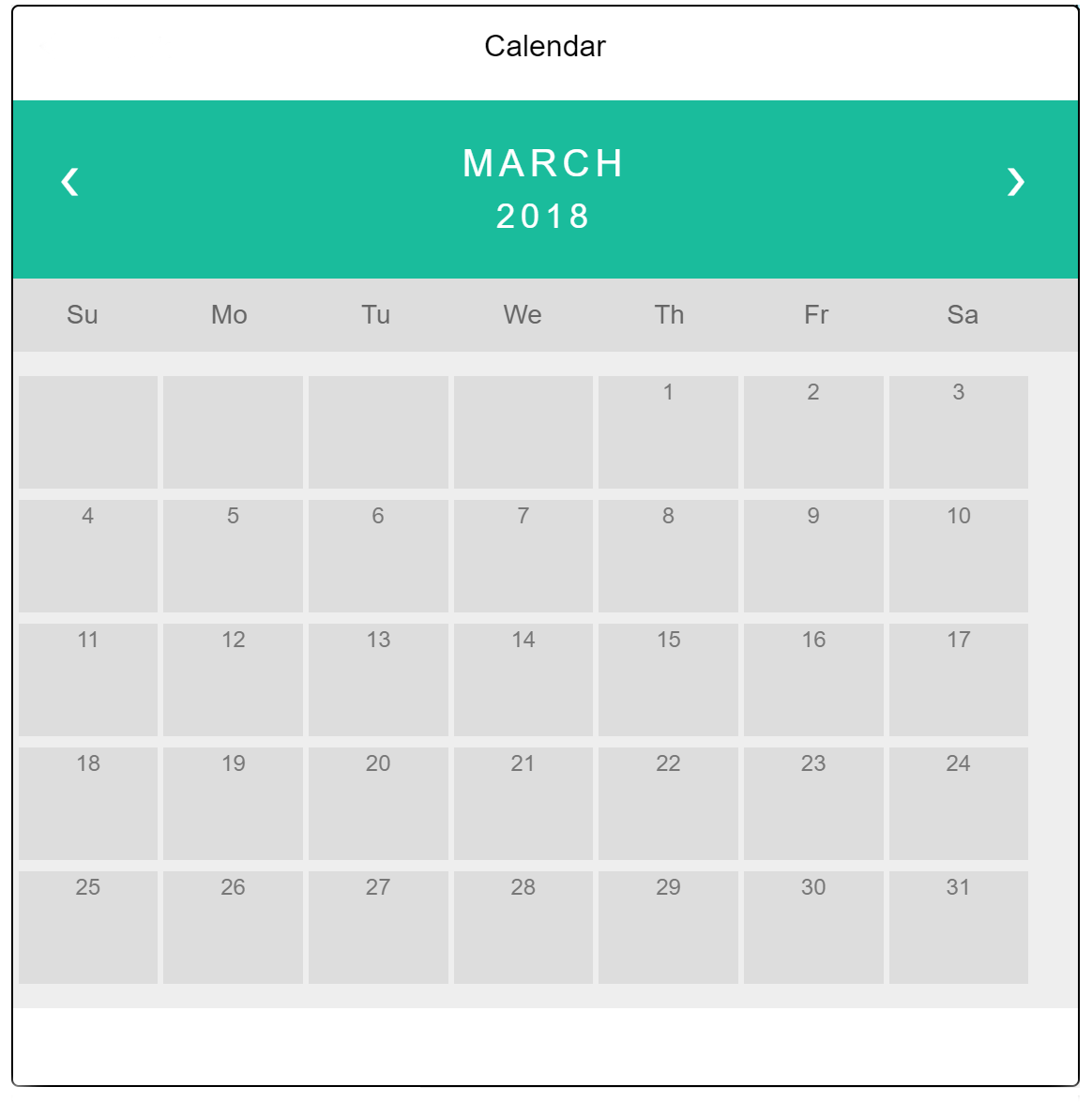
With our calendar select a date to add an appointment
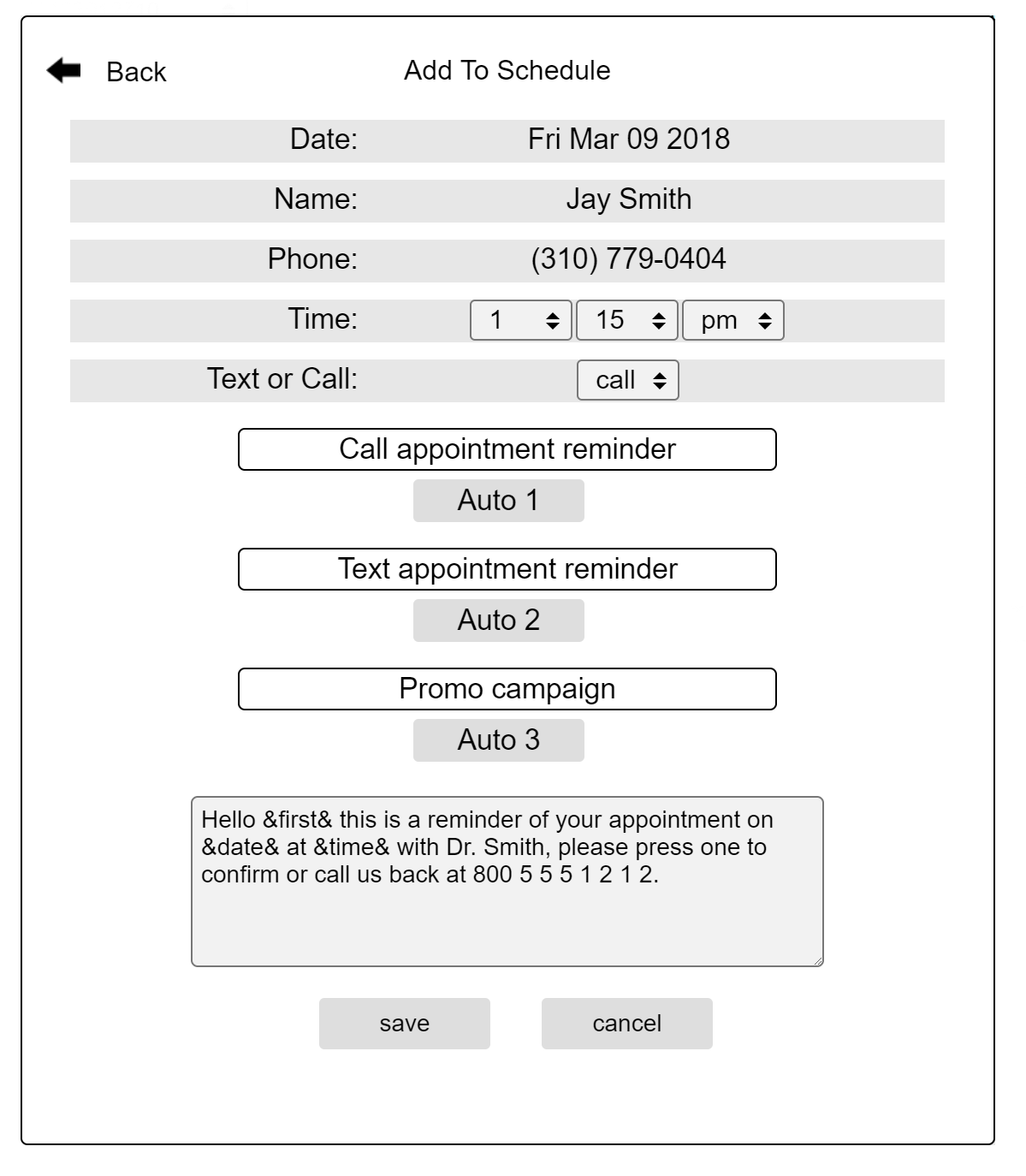
After selecting a date, our built-in appointment form makes it easy to schedule an appointment
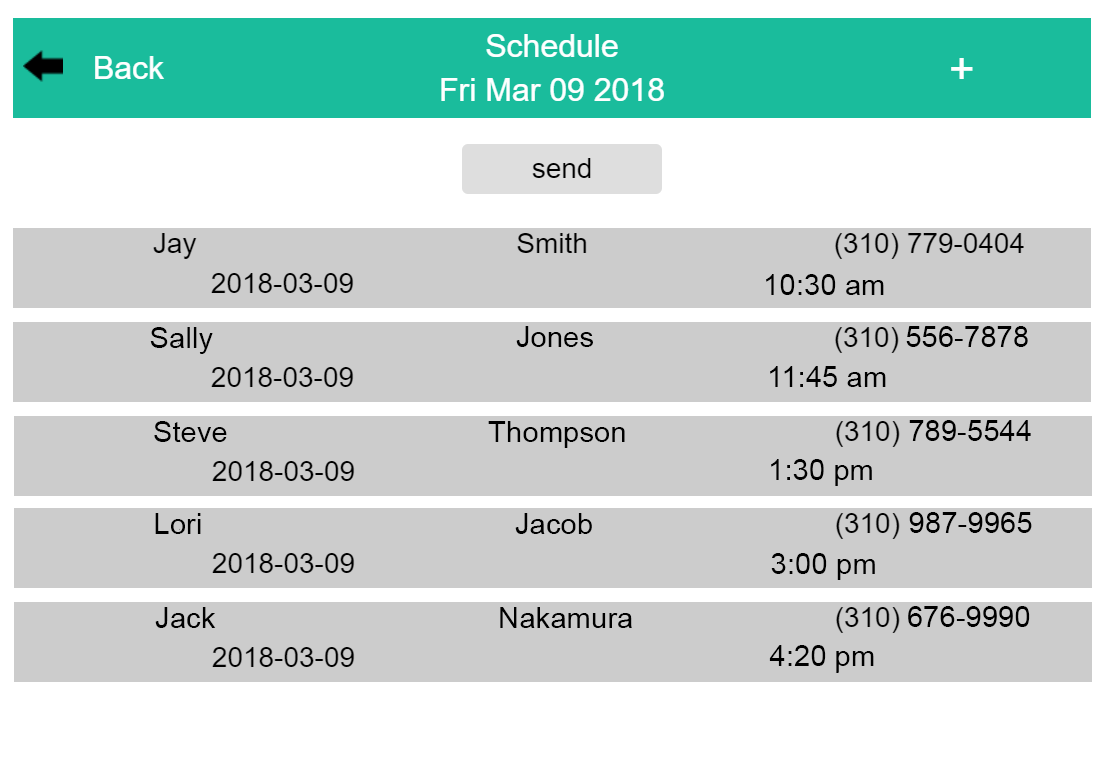
Send out all of your daily scheduled texts & calls with one click
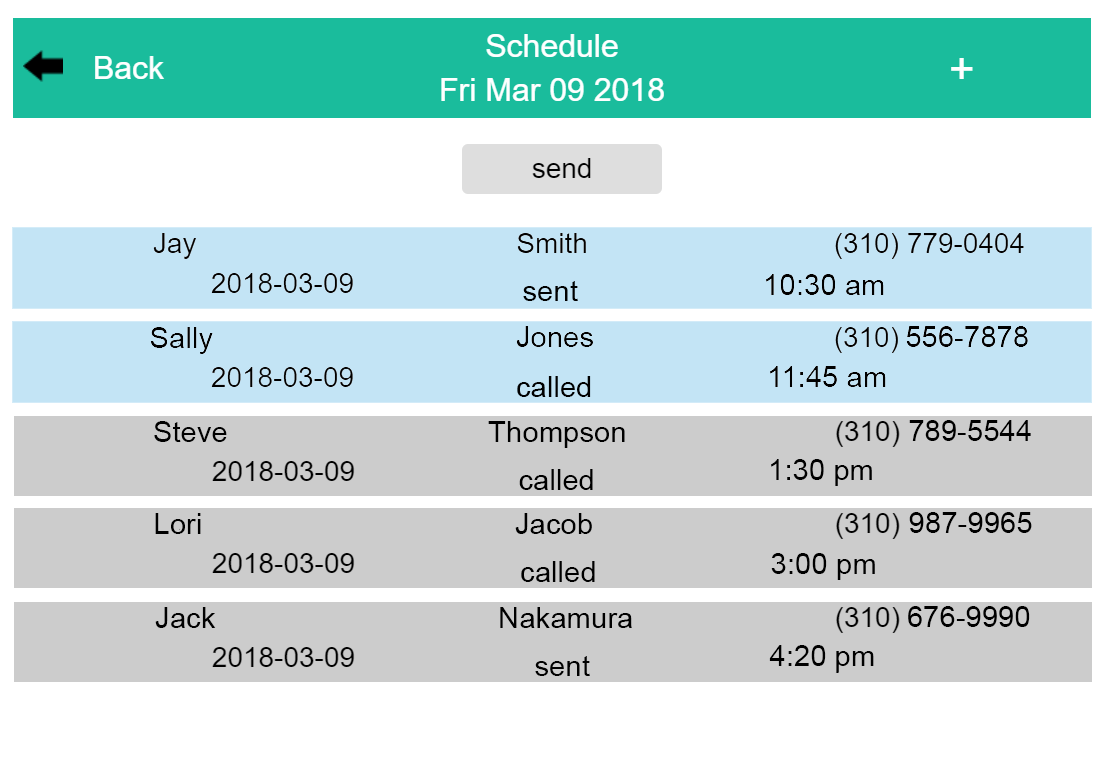
After your scheduled texts and calls have been sent wait for the confirmations, blue means confirmed
Or you can manually confirm your scheduled appointment by clicking the confirm box
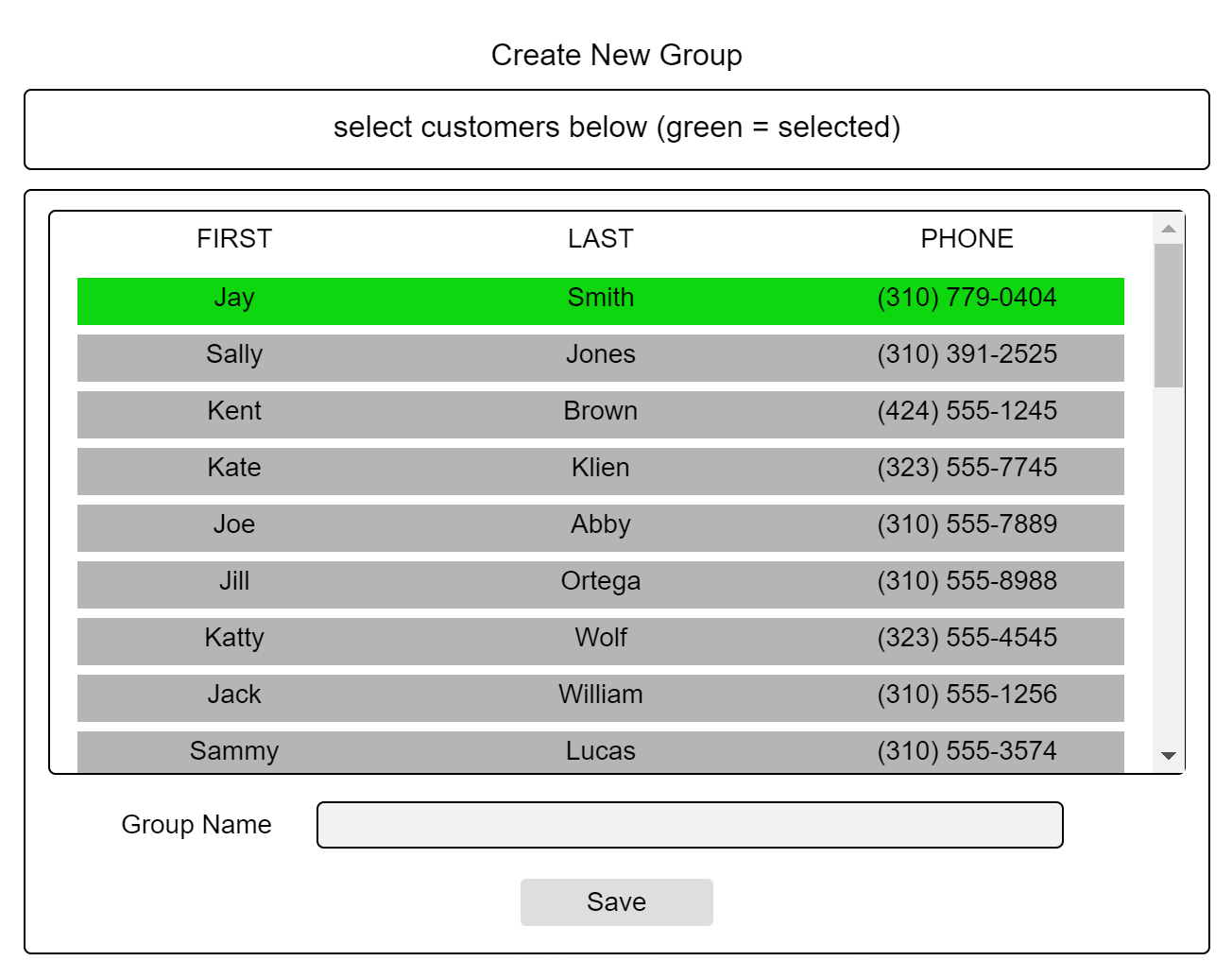
Send texts or calls based on groups of customers or team members by selecting from the customer list
Once a group is selected view the history of messages or send a new message
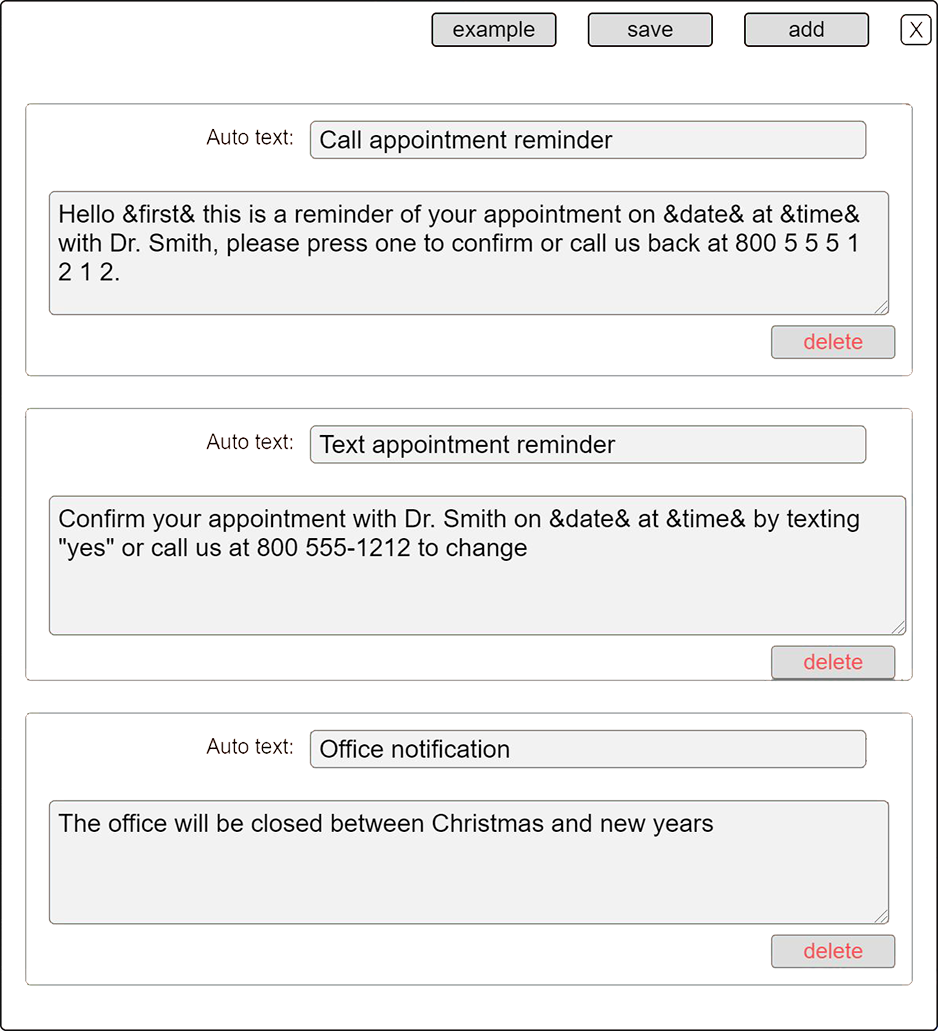
Auto text's are messages that you need to send repeatedly to customers or team members and can be inserted with one click
Phones are not needed for texting or calling, all you need is a web browser
Receive notification emails of confirmed appointments and of incoming texts
It's a simple and easy process to get started
Once you're service is setup you can begin enjoying the ease and simplicity of corresponding with your customers or team members via text or call by the push of a button.

.png)